Mirrors
A Divio mirror allows you to deploy the same codebase to multiple applications, each with its own billing, database, media storage, and other services.
Divio Mirrors are particularly valuable in white-label applications and large multi-domain sites.
Find out how mirrors can make a difference to your business
If you'd like to find out whether mirrors are the solution to your complex business needs, get answers from an expert. There are no obligations or sales pitches — just the facts.
White-label applications
For product companies, mirrors are a convenient way to provide standalone instances of their product to different customers.
Each mirror remains linked to the source application's codebase and can be kept in synchronisation. This is particularly useful when managing large numbers of franchise-type or white-label sites that share the same functionality. Rather than making, testing, and deploying the same changes repeatedly, deployments can be applied selectively or rolled out across hundreds or even thousands of mirrors with a fraction of the usual operational effort.
Mirrors share only a codebase, and data is completely isolated between them and their source application. Billing and access control across mirrors are similarly independent.
Multisite applications
Mirrors help maintain complex multisite/multi-domain applications, providing centralised administration.
By default, mirrors operate independently, but they can be flexibly configured to share a database and other services. This empowers you to have independent applications, all running the same code, and responding to requests on different domains. Each mirror can be allocated with different CPU and memory resources tailored to your requirements.
See, for example, How to create a multisite application using mirrors in our documentation.
Development workflows
Mirrors simplify development and production workflows. For example, a source application can use a complex dataset for testing and quality assurance purposes, completely independent of its mirrors that use the same codebase.
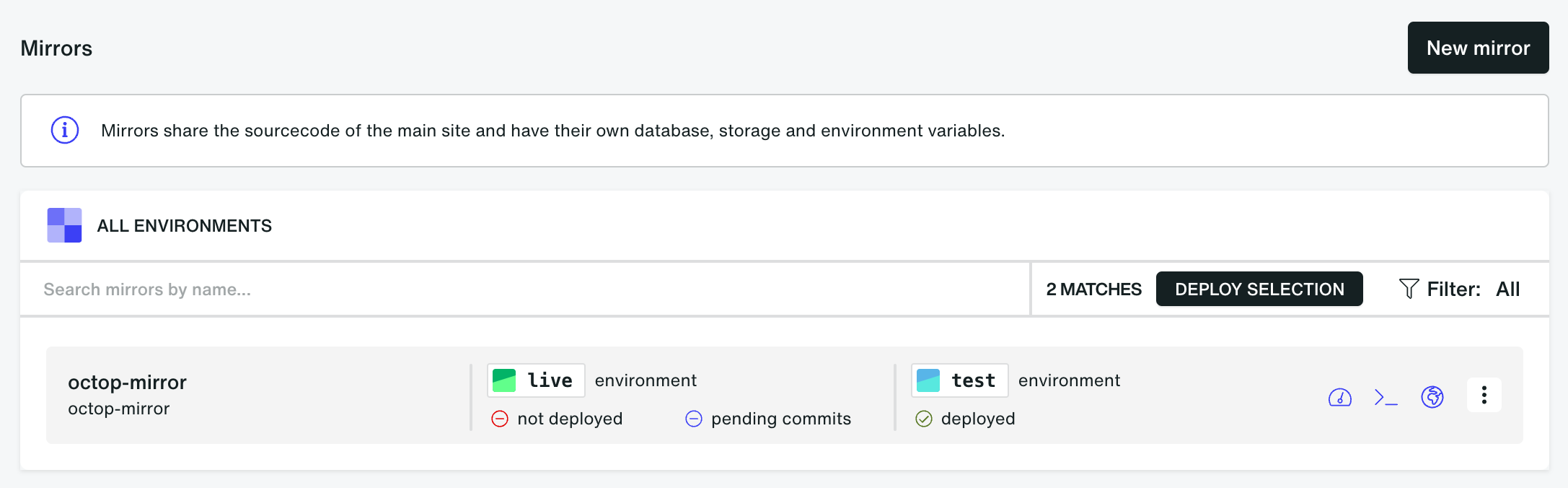
Code changes are developed and tested in the source application using its environments. Mirror applications can then deploy container images from the source application using one of the available mirror image source strategies.
Depending on the selected configuration, mirrors can either:
- always deploy images from the live environment of the source application
- deploy images from matching environments of the source application
Mirror applications still maintain their own environment-specific configuration, domains, and content. Their environments can also be used to validate mirror-specific changes before deployment.
Mirror image source options
When creating a mirror, you can choose how environments receive container images from the source application.
Always live (production) environment
All environments in the mirror deploy the image from the live environment of the source application.
For example:
- mirror
testuses sourcelive - mirror
liveuses sourcelive
This mode is useful when all mirror environments should run the same production image.
Matching environment
Each mirror environment deploys the image from the corresponding environment in the source application.
For example:
- mirror
testuses sourcetest - mirror
liveuses sourcelive
This mode is useful for keeping staging or testing environments aligned between applications.